Are you super organized with your Instagram content? I have a new, awesome tool to share! We have used several tools to plan and organize our Instagram content but this app has quickly become one of my new favorites. Let’s become organized and strategic with posting on your profile.
The app is called UNUM! It is a design layout and collage app that is free to download. This allows you to plan without syncing up to your Instagram account. Download the app and add any images that you are considering posting on Instagram. You can add rows and move images very easily to allow for different visual assets and see what layout you prefer. The layout of the app mimics the Instagram grid so you get an accurate visualization of what your profile will look like. I started adding pictures that allow me to stay on brand and made sure I was incorporating different types of graphics on my profile.
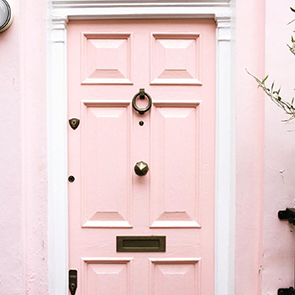
In order to prepare for using this app, I downloaded it, then I revisited my color schemes. Explore various color palettes and pick several different colors to base off of your brand. Remember that you are not married to these colors! You can always change up and incorporate new colors as you are creating content. This app allows you to blur out the images and focus in to see the hue of your profile. If you notice there are different colors showing up in the hues that you are not a fan of, this allows you to see it at a birds eye view and switch out the content that is not working.
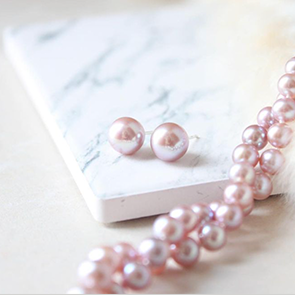
With Canva, you can easily add your brand colors, fonts, and logos in your branding kit. When you go to design on Canva, it will automatically pull up your branding colors and will host them on your account. If you want to incorporate flatlays and different types of stock images, try a service like HauteStock! There are many free websites with stock photos to pull from but I’d recommend paying for a subscription service so you are always able to grab updated, scroll-stopping images. Adding new photos will paint a picture of authority and establish credibility in your niche.
Try out UNUM and load up different photos to make sure you like the look of your profile before going on the app and posting!
Watch how I leveled up my Instagram with this app in my #getLIT training!
Love this post? Take your Instagram profile to the next level by joining my Crushing it on Instagram Workshop!

Find this blog post helpful? Save it to your favorite business boards on Pinterest! 🙂